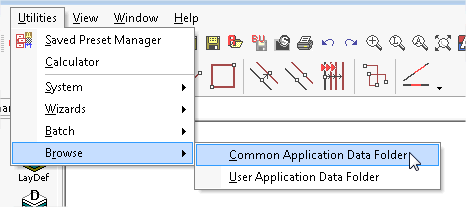
From the "Menu | Utilities" there is an option to "Browse"
This option has two choices
This opens the default folder where there are a number of other folder where Caddie Stores Non-User-Specific information such as Templates, Plotstyles, Styles, Hatch Patterns, Block Libraries and a number of configuration folders.
This opens the default folder where there are a number of other folder where Caddie Stores User-Specific information such as The User Keyboard Shortcut File (usernameCaddie.ksu),Temporary files, Logs and Backups.
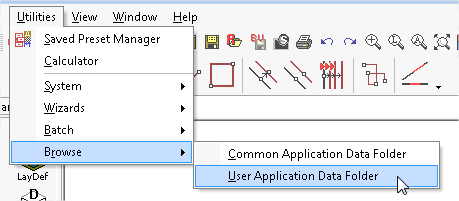
Over ridding the settings in "MENU | CONFIGURE| ENVIRONMENTAL SETTINGS | FOLDERS" or elsewhere will not change the list as presented.